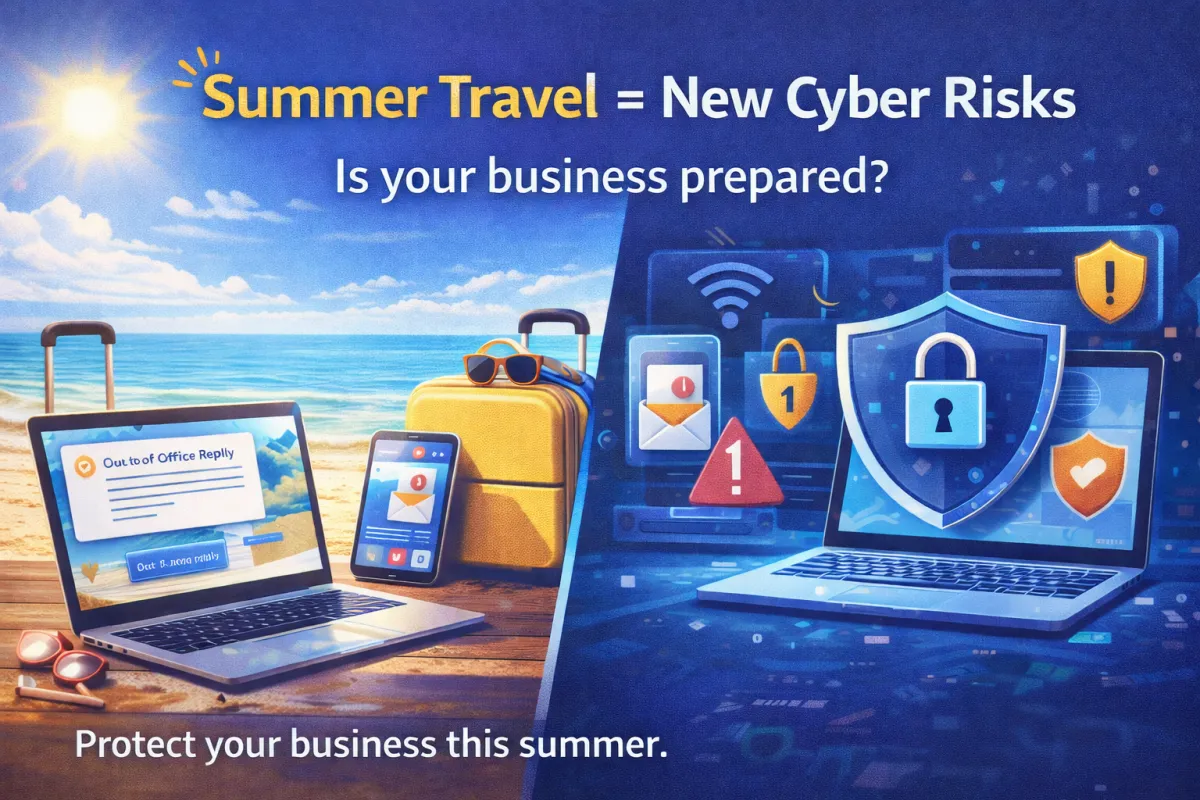
Summer Cybersecurity Risks: Is Your Business Prepared for Vacation Season?
Last summer, a small business owner left for a long-awaited vacation with his family. Before boarding the plane, he did what many professionals do—he set an automatic email reply letting clients know he’d be out of the office for the week.
The message was simple:
"I’m currently out of the office and will return next Monday."
Unfortunately, someone else was paying attention to that message.
A cybercriminal monitoring email traffic noticed the auto-reply and realized the owner wasn’t available to respond. Within hours, the attacker sent a message to the company’s accounting department pretending to be the owner, requesting a quick wire transfer to pay a “vendor.”
Because the real owner was unreachable and the email looked legitimate, the request went through.
By the time the owner returned from vacation, the money was gone.
Situations like this happen more often than most businesses realize. Summer travel and vacation schedules create the perfect opportunity for cybercriminals to exploit gaps in communication and security.
At Coulson Technologies, we often remind clients that cybersecurity risks don’t take a vacation—especially when your team does.
Here are some of the most common summer cybersecurity risks businesses face—and how to stay protected.
Vacation Auto-Reply Phishing Scams
Automatic out-of-office replies can unintentionally provide useful information to attackers.
These messages often confirm that:
An employee is away
They won’t be responding quickly
Who to contact in their absence
Cybercriminals can use this information to impersonate employees and send fraudulent messages to coworkers, vendors, or customers.
How to reduce the risk:
Keep auto-reply messages simple.
Avoid sharing detailed travel timelines.
Limit internal contact details in external auto-responses.
Encourage employees to verify financial requests through another communication channel.
A short message like “I’m currently unavailable and will respond when I return” is often safer than sharing specific dates and alternate contacts.
Public Wi-Fi Risks While Traveling
Airports, hotels, and coffee shops offer convenient Wi-Fi—but those networks are often unsecured.
Hackers can intercept traffic on public networks, potentially accessing:
login credentials
email accounts
corporate systems
financial information
Some attackers even create fake networks that appear legitimate, tricking travelers into connecting.
Best practices for employees traveling with work devices include:
Avoid logging into sensitive accounts on public Wi-Fi.
Use a company VPN when accessing business systems.
Disable automatic Wi-Fi connections.
Confirm network names with staff when possible.
A secure connection can prevent a simple vacation login from becoming a serious security incident.
Protecting Company Devices on the Road
Traveling employees often carry laptops, tablets, and smartphones containing company data.
Unfortunately, lost or stolen devices are another common summer security risk.
A device left in a taxi, hotel lobby, or airport security checkpoint can expose sensitive information if proper protections aren’t in place.
Businesses should ensure devices have:
full-disk encryption
strong login authentication
automatic screen locks
remote wipe capabilities
up-to-date security patches
These safeguards help ensure that even if a device is lost, the data remains protected.
Multi-Factor Authentication and Remote Access Security
Many employees check email, access documents, or log into company systems while traveling.
Without strong security controls, these remote connections can become easy targets.
One of the most effective protections businesses can implement is multi-factor authentication (MFA).
MFA requires users to verify their identity through a second factor—such as a mobile authentication app or text message—before accessing an account.
Even if a password is compromised, MFA can stop unauthorized access.
Businesses should consider requiring MFA for:
email accounts
cloud platforms
VPN connections
remote desktop access
financial systems
This simple step dramatically reduces the likelihood of unauthorized logins.
A Simple Summer Cybersecurity Checklist
Before employees head out on vacation, businesses should review a few key security steps.
Vacation Cybersecurity Checklist
✔ Keep out-of-office messages simple
✔ Enable multi-factor authentication for all critical systems
✔ Require VPN access for remote connections
✔ Ensure all devices are encrypted and updated
✔ Remind employees to avoid public Wi-Fi when possible
✔ Verify financial requests through secondary communication channels
These small precautions can prevent major security problems.
Don’t Let Cyber Risks Ruin Your Summer
Summer should be a time for employees to recharge—not worry about cyber incidents back at the office.
By taking a few proactive security steps, businesses can reduce risks and protect their systems while teams are traveling.
At Coulson Technologies, we help businesses strengthen cybersecurity, protect remote access, and ensure technology systems stay secure year-round.
Because when your technology is protected, your team can truly unplug and enjoy their vacation.
