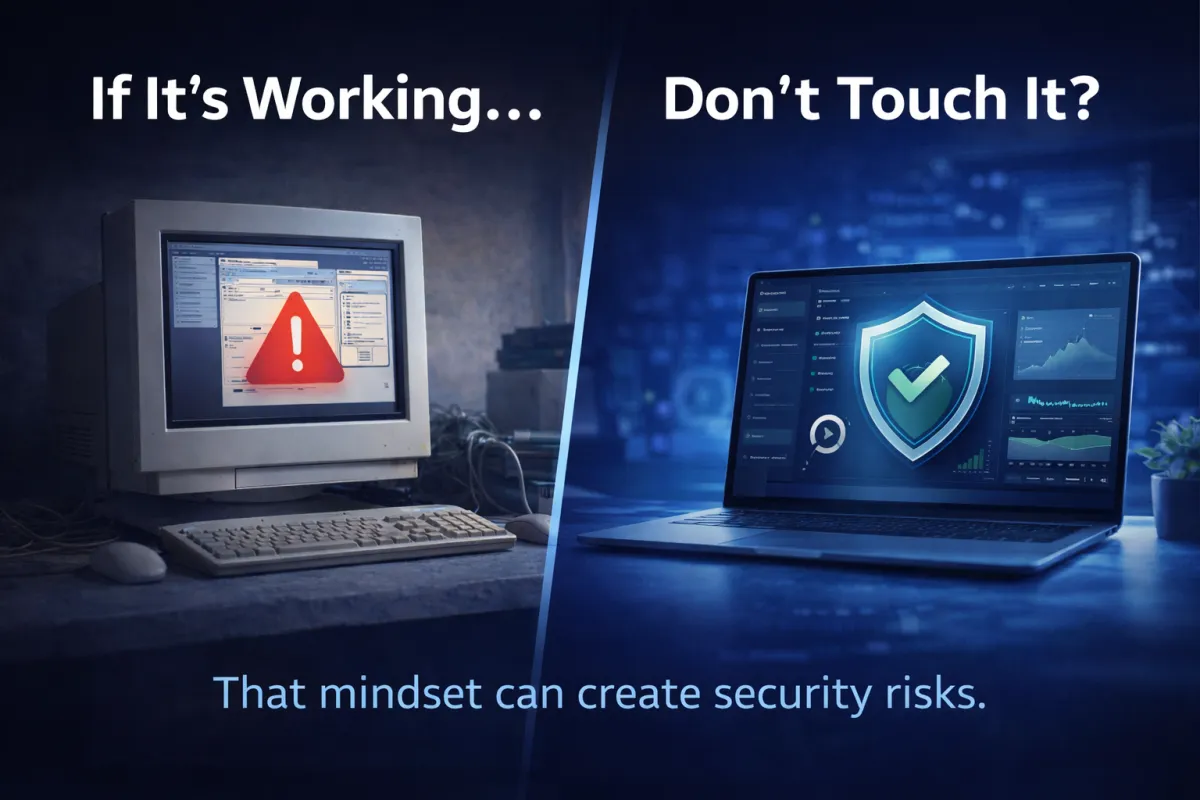
Why “If It’s Working, Don’t Touch It” Is Dangerous for Technology
It’s a phrase many businesses have used for years:
“If it’s working, don’t touch it.”
At first glance, it sounds practical. If your systems are running and employees can do their work, why risk disrupting things by making changes?
But when it comes to technology, that mindset can quietly create serious problems.
Technology doesn’t stand still. Software evolves, security threats change, and systems age. A computer, server, or application that seems to be working fine today could actually be exposing your business to hidden risks.
For many organizations, outdated technology isn’t just inconvenient—it can become a major security and operational liability.
Here are some of the biggest risks businesses face when they rely on the “leave it alone” approach.
Outdated Software
Software developers regularly release updates to improve performance, fix bugs, and address newly discovered security issues.
When businesses continue running outdated software, they miss those important fixes.
Over time, unsupported versions of applications can become easier targets for cybercriminals because attackers know exactly where the weaknesses exist.
Common examples include:
older versions of productivity software
outdated accounting systems
legacy business applications
unpatched web browsers and plugins
While outdated software may still function, it often lacks the security protections modern systems require.
Updating software regularly helps close security gaps and keeps systems performing efficiently.
Unsupported Operating Systems
Operating systems—such as those running on business computers and servers—have a limited support lifespan.
Eventually, software vendors stop providing updates, security patches, and technical support for older systems.
Once an operating system reaches that point, businesses are left running technology that no longer receives protection against new cyber threats.
Examples of unsupported systems can include older versions of:
Windows operating systems
server environments
network infrastructure software
Even if these systems appear stable, they can quickly become attractive targets for attackers because they are no longer maintained.
Running unsupported operating systems increases the likelihood of security breaches, data loss, and compatibility issues with modern applications.
Security Vulnerabilities
Cybersecurity threats are constantly evolving. Hackers regularly discover new ways to exploit weaknesses in software and systems.
When businesses delay updates or continue relying on older technology, those vulnerabilities accumulate.
This can lead to risks such as:
ransomware attacks
unauthorized network access
data breaches
compromised email systems
disrupted business operations
In many cases, businesses don’t realize they’re vulnerable until something goes wrong.
Regular system updates, security patches, and infrastructure reviews help prevent small weaknesses from becoming major security incidents.
Future-Proofing Your Technology
Technology upgrades are not just about fixing problems—they’re about preparing your business for the future.
Companies that regularly review and update their technology environments are better equipped to:
support business growth
adopt new productivity tools
improve cybersecurity defenses
maintain reliable system performance
adapt to changing business needs
Future-proofing doesn’t mean replacing everything at once. Instead, it involves strategic planning—understanding which systems need attention now and which can be upgraded over time.
A proactive technology strategy helps businesses avoid sudden disruptions and expensive emergency fixes.
Technology Should Move Your Business Forward
When systems appear to be running smoothly, it’s tempting to leave them alone. But ignoring aging technology can allow risks to build quietly in the background.
Businesses that stay ahead of updates, security improvements, and infrastructure planning are far better positioned to protect their operations and grow with confidence.
At Coulson Technologies, we help businesses evaluate their technology environments, identify potential risks, and plan upgrades that keep systems secure and reliable.
Because in today’s digital world, technology isn’t something you can simply set and forget—it’s something that needs to evolve along with your business.
