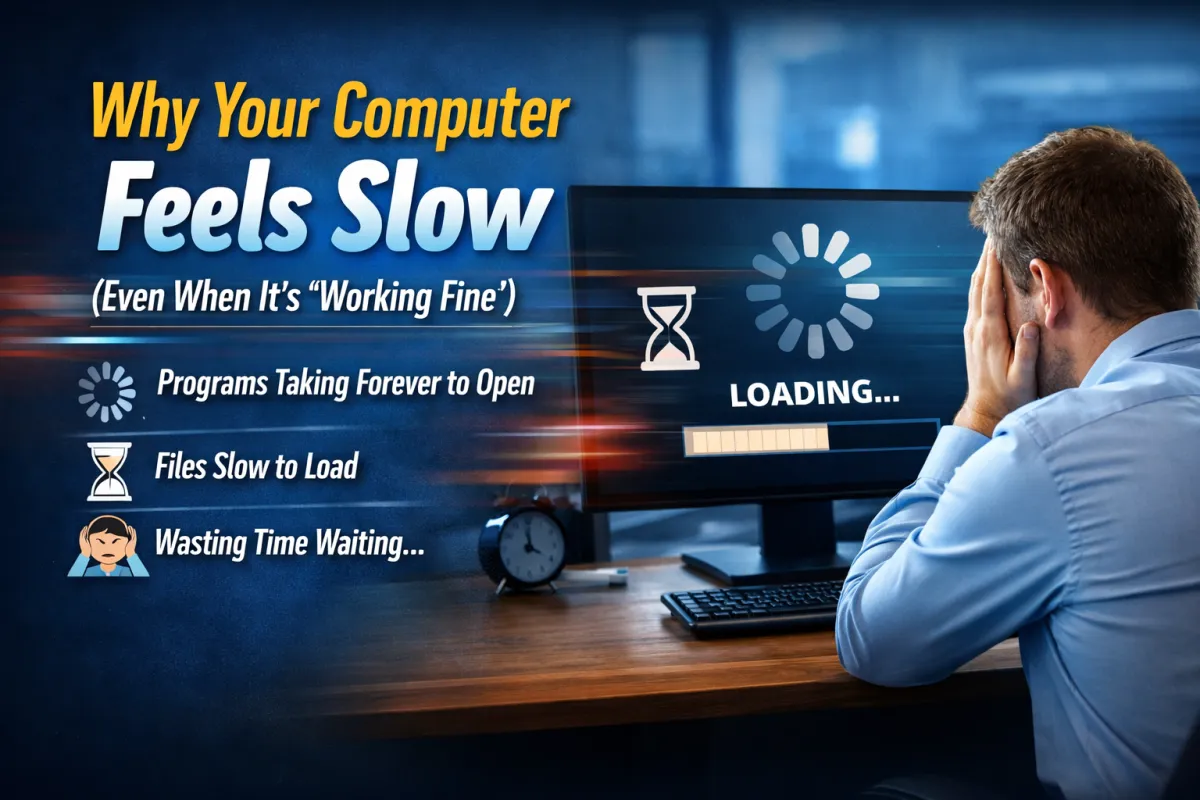
Why Your Computer Feels Slow (Even When It’s “Working Fine”)
Almost everyone has experienced it.
You sit down to start your day.
You open your laptop.
You click on a program.
…and then you wait.
Maybe it’s just 10 seconds. Maybe it’s 30. But those little pauses happen all day long.
Opening files.
Launching applications.
Loading websites.
Individually, those delays don’t seem like a big deal.
But across an entire company, they quietly add up to hundreds of lost hours every year.
And the frustrating part?
Most businesses assume slow technology is just something they have to live with.
In reality, there are usually specific reasons systems slow down over time—and most of them are fixable.
The Silent Productivity Killer
When technology is painfully slow, employees lose more than just time.
They lose focus.
Every interruption forces someone to stop what they’re doing, wait, and then mentally restart the task again. Over the course of a day, that constant stop-and-start workflow can dramatically reduce productivity.
Many businesses don’t notice this because the slowdown happens gradually.
What once took two seconds now takes ten.
What once opened instantly now takes half a minute.
The system technically still works—but it no longer works well.
Common Reasons Computers Slow Down
In many workplaces, slow computers are caused by a handful of common issues.
Too Many Startup Programs
Many applications automatically launch when a computer starts. Over time, this creates a long list of programs running in the background before the user even opens anything.
Outdated Hardware
Software evolves quickly. Hardware that was perfectly capable five years ago may struggle to keep up with modern applications.
Too Many Open Applications
Employees often run multiple programs simultaneously—email, browsers, spreadsheets, messaging tools, video meetings—each one consuming system resources.
Lack of Regular Maintenance
Temporary files, background updates, and unused programs accumulate over time. Without routine maintenance, performance gradually declines.
Aging Storage Drives
Older hard drives slow down significantly compared to modern solid-state drives.
The Real Business Impact
A slow computer might only waste a few minutes per employee each day.
But multiply that across an entire organization, and the numbers become surprising.
If 20 employees each lose just 10 minutes per day, that’s more than 800 hours of lost productivity every year.
That’s the equivalent of over 20 full workweeks.
All from systems that technically “still work.”
What Smart Businesses Do Differently
Companies that prioritize productivity treat technology the same way they treat other critical equipment.
They maintain it.
They update it.
And they replace it when it no longer supports the work being done.
That doesn’t mean constantly buying new technology. It means making thoughtful decisions about performance, efficiency, and long-term productivity.
Often, small improvements can dramatically improve how systems perform.
The Bigger Lesson
Technology should help your team work faster and more efficiently—not create daily friction.
If employees constantly find themselves waiting on computers, searching for files, or fighting slow systems, the issue usually isn’t the team.
It’s the tools they’ve been given.
A Question for You
What technology issue frustrates your team the most right now?
Slow computers?
Password problems?
Too many apps?
The answer might reveal an opportunity to make work much easier.
