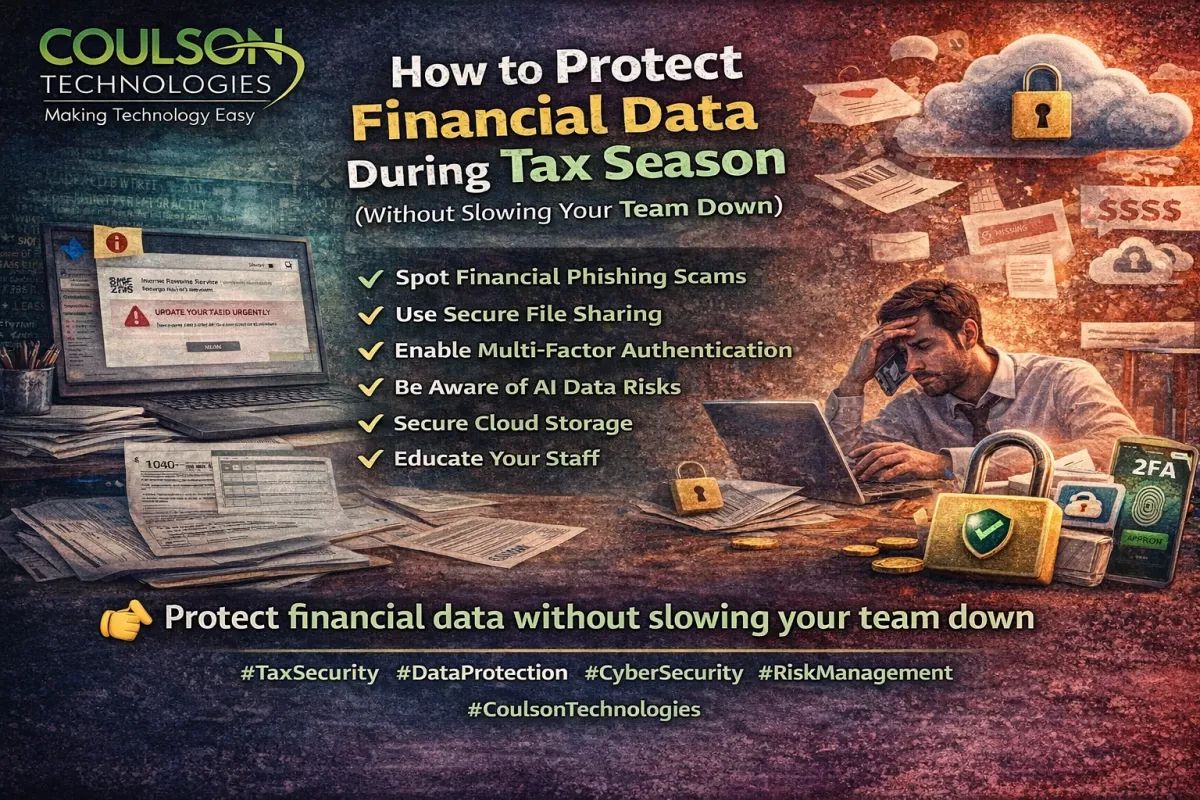
How to Protect Financial Data During Tax Season (Without Slowing Your Team Down)
Tax season is stressful enough.
The last thing your business needs in April is a security incident layered on top of compliance deadlines, financial reviews, and reporting pressure.
Unfortunately, cybercriminals know this.
And they take advantage of it.
April consistently sees a spike in financial-themed phishing attacks, fraudulent emails, and credential theft attempts — all targeting businesses that are distracted and moving quickly.
The good news?
You can strengthen security without slowing productivity.
Here’s how.
1. Phishing Scams Spike During Tax Season
Attackers commonly send emails that appear to be from:
The IRS
Payroll providers
Accounting firms
Vendors requesting updated payment information
Internal executives asking for urgent wire transfers
They create urgency.
They reference deadlines.
They mimic real branding.
One click can expose sensitive financial records, banking credentials, or employee data.
Protection strategy:
Enable advanced email filtering
Flag external senders
Train staff to verify financial requests
Require verbal confirmation for payment changes
Technology helps — but awareness is critical.
2. Use Secure File Sharing (Not Email Attachments)
Financial documents often contain:
Social Security numbers
Bank account details
Tax IDs
Payroll records
Email attachments are easily forwarded, intercepted, or stored insecurely.
Instead:
Use encrypted file-sharing portals
Set expiration dates on shared documents
Limit access by role
Audit download activity
Secure sharing doesn’t slow teams down — it protects them.
3. Multi-Factor Authentication Is Non-Negotiable
If your accounting system, payroll platform, or cloud storage only requires a password, you’re vulnerable.
Multi-factor authentication (MFA):
Prevents unauthorized access even if credentials are stolen
Blocks many automated attacks
Adds a minimal step for users
It takes seconds.
It prevents disasters.
4. Understand AI Risks with Financial Data
AI tools are increasingly used to:
Draft financial reports
Analyze budgets
Summarize spreadsheets
Automate documentation
But uploading sensitive financial information into unapproved AI tools can expose confidential data.
Before using AI for tax or financial workflows:
Confirm data retention policies
Restrict access to approved platforms
Avoid pasting sensitive data into public AI systems
Establish internal AI usage guidelines
AI should increase efficiency — not create compliance risk.
5. Cloud Storage Isn’t Automatically Secure
Cloud platforms are powerful, but security depends on configuration.
Questions to ask:
Who has access to financial folders?
Are permissions role-based?
Is sharing restricted externally?
Is data encrypted at rest and in transit?
Are backups verified?
Cloud security requires intentional setup — not assumptions.
6. Staff Awareness Is Your Strongest Defense
Technology blocks many threats.
But people stop the rest.
Short, focused training before tax deadlines can dramatically reduce risk:
How to recognize phishing
How to verify financial requests
When to escalate suspicious emails
Why security matters during high-pressure periods
The goal isn’t fear.
It’s preparedness.
Security Without Sacrificing Speed
The biggest misconception about cybersecurity is that it slows business down.
Done properly, it:
Reduces downtime
Prevents financial loss
Builds client trust
Protects your reputation
Keeps operations moving
Tax season is busy.
That’s exactly why protection matters most.
👉 Is your financial data protected — or just assumed safe?
If you’re unsure whether your systems are configured properly, now is the time to review them.
Because during tax season, prevention is far less expensive than recovery.
Coulson Technologies helps businesses stay secure, efficient, and proactive — without adding friction.
