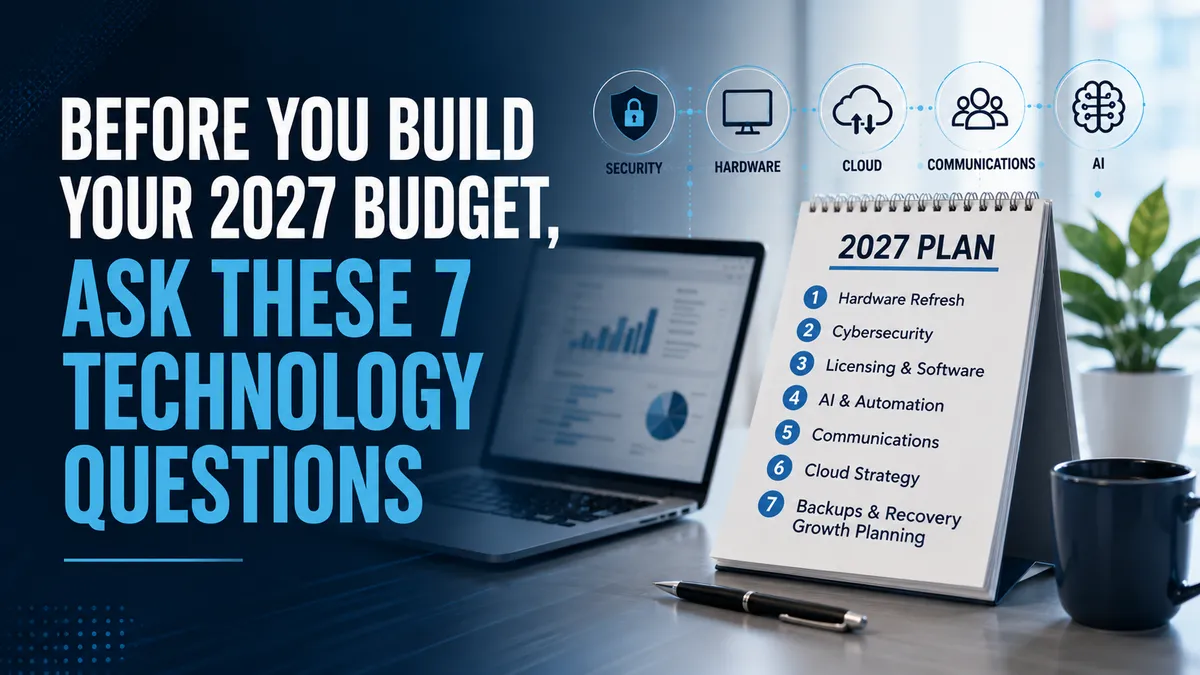
Before You Build Your 2027 Budget, Ask These 7 Technology Questions
Technology shouldn’t be the line item you think about after the rest of the budget is finished.
As businesses begin planning for 2027, there will be plenty of conversations about revenue goals, staffing, marketing, equipment, expansion, and operating costs.
Technology deserves a seat at that table, too.
Not because every business needs to spend more on technology.
In fact, sometimes the right technology strategy means spending less by eliminating unnecessary systems, consolidating services, or replacing inefficient processes.
The goal is to make sure your technology budget reflects where your business is going—not simply what you spent last year.
Before you finalize your 2027 budget, here are seven questions worth asking.
1. What Technology Will Need to Be Replaced Next Year?
Computers don't usually fail at convenient times.
Neither do servers, network equipment, phones or other critical technology.
Yet many businesses wait until something stops working before deciding to replace it.
That turns a predictable expense into an unexpected emergency.
Look at the age and condition of your technology now.
Which computers are approaching the end of their useful life?
Is any network equipment aging?
Are there systems running outdated or unsupported software?
Are there employees struggling with slow computers that are affecting productivity?
You don't necessarily need to replace everything at once.
A good technology roadmap lets you plan replacements over time so costs become predictable.
A planned replacement is a budget item.
An unexpected failure is a business interruption.
There's a big difference.
2. Are We Paying for Technology We Don't Need?
Over time, technology has a tendency to accumulate.
A department subscribes to an application.
Another team starts using something similar.
An employee leaves, but a license remains active.
A temporary solution becomes permanent.
Eventually, nobody is quite sure what the company is paying for—or why.
Before rolling this year's technology expenses into next year's budget, take inventory.
Look at software subscriptions, cloud services, Microsoft 365 licenses, communication platforms, security products and other recurring technology expenses.
Ask:
Are we actually using this?
Then ask another important question:
Are we paying for two or three different tools that accomplish essentially the same thing?
Sometimes one of the easiest ways to improve a technology budget isn't negotiating a lower price.
It's eliminating something you don't need.
3. Is Our Cybersecurity Keeping Up With Our Business?
Cybersecurity isn't something you purchase once and consider finished.
Businesses change.
Employees come and go.
People work remotely.
New applications are introduced.
Data moves into the cloud.
AI tools enter the workplace.
Cybercriminals change their tactics.
Your security strategy has to evolve along with all of it.
As you plan for 2027, consider whether your current protections still match your risks.
Are employees using multi-factor authentication?
Are computers and devices properly protected and updated?
Are old employee accounts removed quickly?
Is email adequately protected?
Do employees receive ongoing security awareness training?
Who is monitoring for suspicious activity?
Are there areas where your business has grown but your security hasn't grown with it?
Cybersecurity spending should be based on risk, not fear.
The question isn't, "How many security products can we buy?"
It's:
"What are our biggest risks, and are we protecting against them appropriately?"
4. Are Our Backups Actually Ready for an Emergency?
Most business owners will tell you their data is backed up.
The more important question is:
Can you restore it?
A backup that hasn't been tested can create a dangerous sense of security.
Before 2027, understand exactly what your business is backing up.
Where are those backups stored?
How frequently are they performed?
How long is information retained?
Are cloud applications included?
Who monitors the backups?
When was the last time someone tested restoring information?
And perhaps most importantly:
How long would it take to get the business operating again after a serious technology failure or cyberattack?
Backup and business continuity aren't the same thing.
Having your data is important.
Being able to get your business running again is what ultimately matters.
5. Are Our Communication Systems Helping or Slowing Us Down?
Business communication has changed significantly.
Customers might call, text, email or leave a voicemail.
Employees may be working from the office, home, a job site or while traveling.
Meanwhile, many businesses are still juggling separate systems for phone calls, voicemail, texting, meetings, collaboration and customer communication.
That creates friction.
Messages get missed.
Employees switch constantly between applications.
Customers aren't always sure how to reach the right person.
As you plan for 2027, ask whether your communication technology still reflects how your employees and customers actually communicate.
Could systems be consolidated?
Can employees communicate effectively from anywhere?
Are important customer messages reaching the right people?
Could automation or AI help route, summarize or respond to communications more efficiently?
Good communication technology shouldn't make communication more complicated.
It should make it easier.
6. Where Could AI Actually Save Us Time?
There will be plenty of AI products competing for a place in 2027 budgets.
That doesn't mean your business needs all of them.
Instead of starting with:
"What AI should we buy?"
Start with:
"Where are our people losing time?"
Look for repetitive work.
Employees copying information between systems.
Manual data entry.
Routine customer questions.
Meeting summaries.
Document preparation.
Research.
Scheduling.
Internal knowledge searches.
Administrative tasks that happen over and over again.
Those are often better starting points for an AI conversation.
Then evaluate whether AI can improve the process securely and reliably.
AI shouldn't be in your budget simply because it's AI.
It should be there because it solves a real business problem.
And don't forget governance.
If employees are using AI, your business should have clear guidelines about approved tools, sensitive information, human review and how AI can interact with company systems.
7. Where Is the Business Going in the Next 12–36 Months?
This may be the most important question on the list.
Technology planning shouldn't begin with technology.
It should begin with the business.
Are you planning to hire more employees?
Open another location?
Expand into a new market?
Acquire another company?
Introduce new products or services?
Allow more employees to work remotely?
Increase automation?
Change how customers interact with you?
Prepare for new regulatory requirements?
If leadership knows the business could grow from 20 employees to 40, the technology team needs to know.
If you're opening another location, that conversation should happen before the lease is signed—not a week before employees move in.
If you're planning to introduce AI or automate key processes, your data, security and systems may need preparation first.
The best technology decisions anticipate where the business is going.
They don't chase it after it gets there.
Don't Just Copy and Paste the 2026 Technology Budget
One of the easiest budgeting approaches is taking last year's numbers, increasing them slightly and moving on.
Technology deserves a closer look.
Some expenses may increase.
Others may disappear.
Some investments might need to happen sooner than expected.
And there may be opportunities to consolidate technology and actually reduce costs.
Your 2027 technology budget should reflect your 2027 business priorities.
That requires conversations between leadership, finance, employees and whoever is responsible for your technology.
Turn the Budget Into a Technology Roadmap
Once you've answered these questions, don't leave them sitting in a spreadsheet.
Turn them into a plan.
Identify what needs attention immediately.
Determine what can wait six months.
Plan equipment replacements.
Review recurring costs.
Prioritize security improvements.
Identify potential AI and automation projects.
Think about upcoming business changes.
Then estimate when those investments should happen.
Suddenly, technology becomes much more predictable.
Instead of reacting to problems throughout the year, you have a roadmap.
That's a much better way to manage both technology and money.
Chris's Advice
Before you ask "How much should we spend on technology next year?" ask a better question:
"What does our business need technology to accomplish next year?"
Then work backward.
Protect what matters.
Replace what is aging.
Eliminate what you don't use.
Improve what frustrates your employees and customers.
Invest in AI where it solves real problems.
And prepare your systems for where the business is headed.
The best technology budget isn't necessarily the biggest.
It's the one where every investment has a reason for being there.
If you can explain how your technology spending protects the business, improves productivity, supports your people or prepares you for growth, you're not simply creating an IT budget.
You're building a business plan for 2027.
